

NEW TO ANATOMIC STUDIOS
Want a closer introduction?
If you’d like a deeper understanding of the process and how our cover solutions work, we’re happy to offer a digital intro session.
Ordering process overview
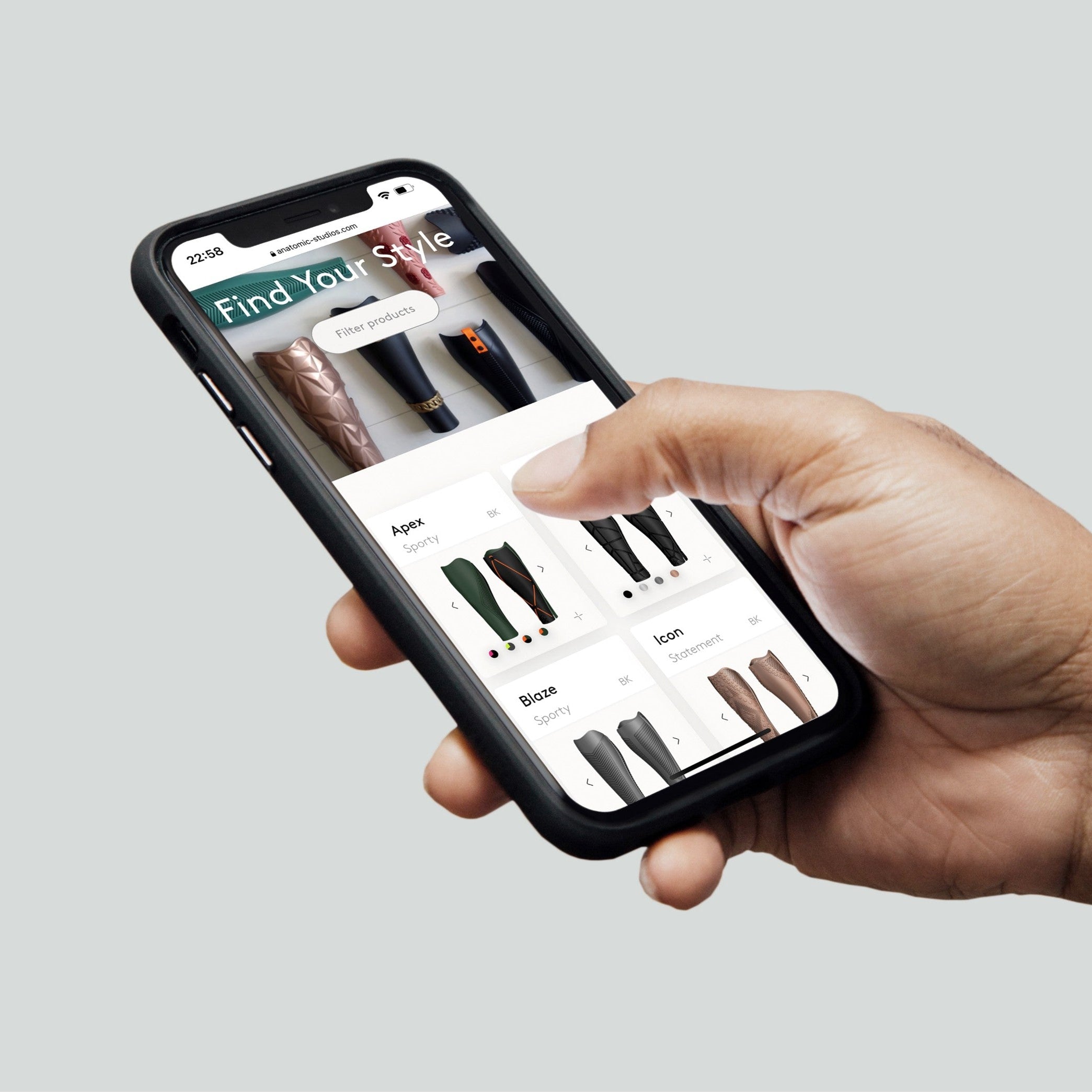
1. Select cover type & design
It starts with you as a clinician or the user choosing a design for your desired cover type on our website or from our catalog.
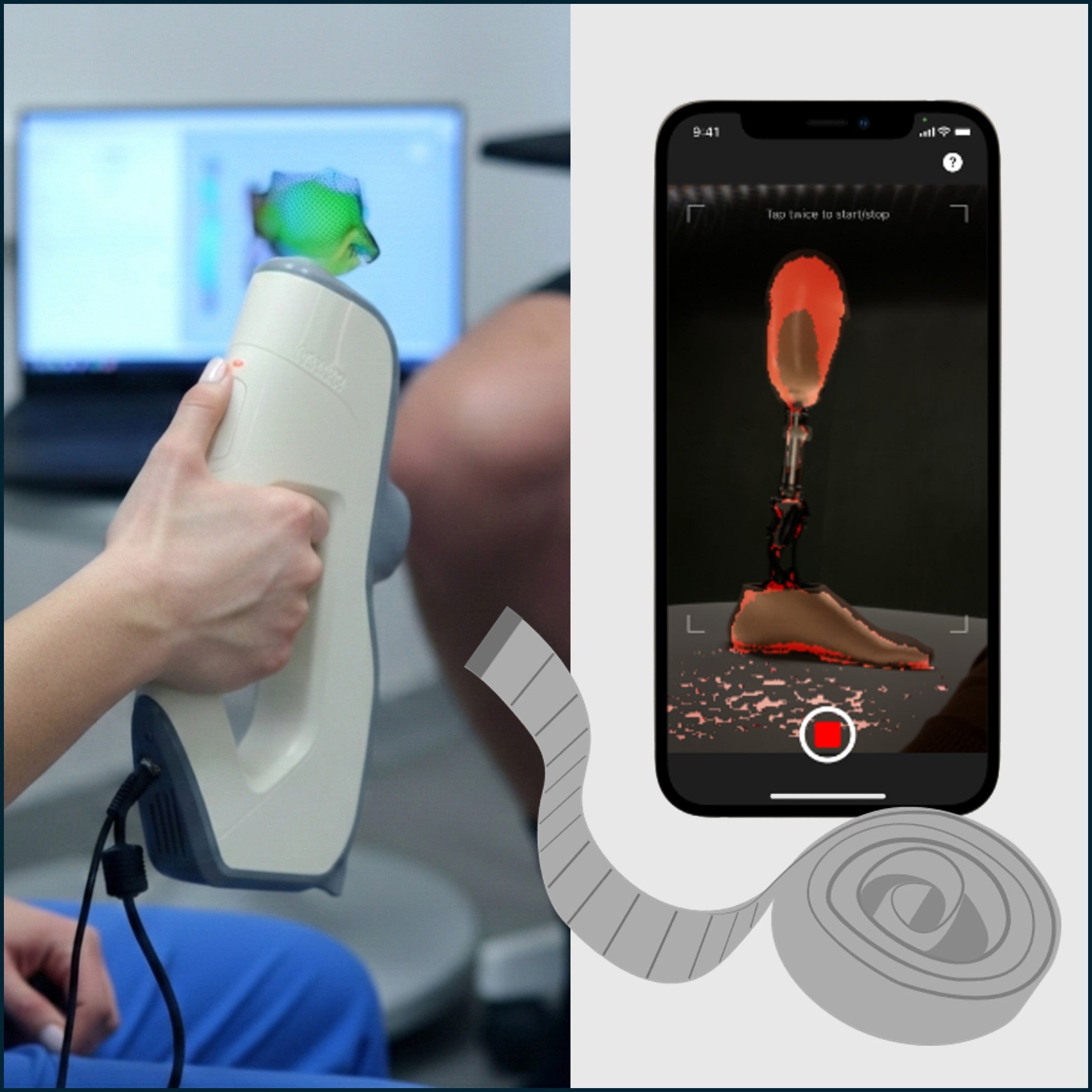
2. Add 3D scan & prosthetic info
You then submit a 3D-scan, photos and some measurements of the prosthesis directly through the website or our app.
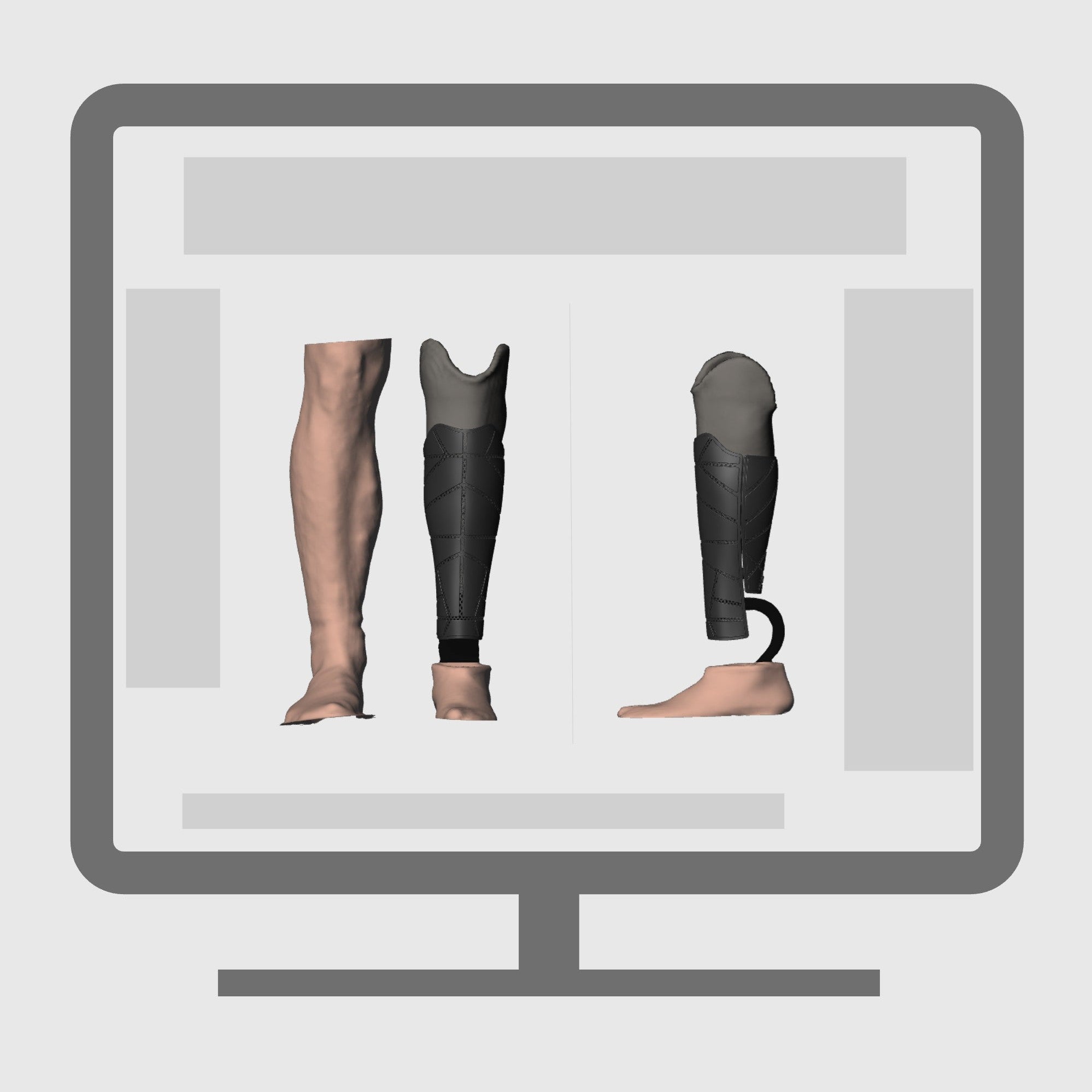
3. Digital design & preview
We customize the cover based on your input and requests, and you always get a digital preview of the design over email to approve, before we move ahead with production.
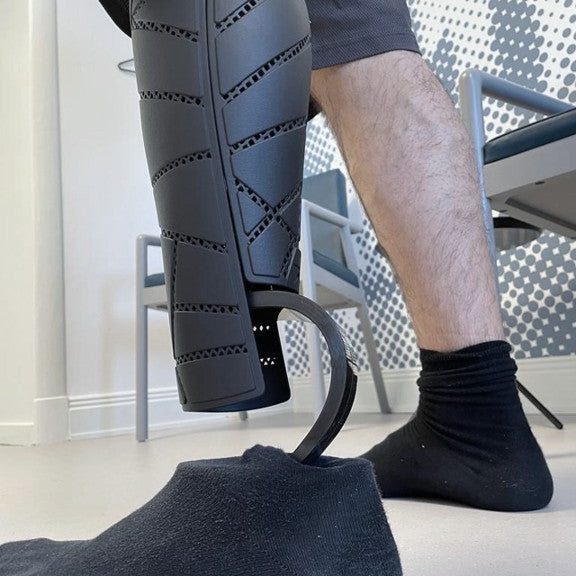
4. Delivery & fitting
The finished cover is delivered to your clinic, with everything ready to mount on the prosthesis.
Order guides & forms
Download our pdf forms that guide you through what information to collect for each cover type before placing your order.

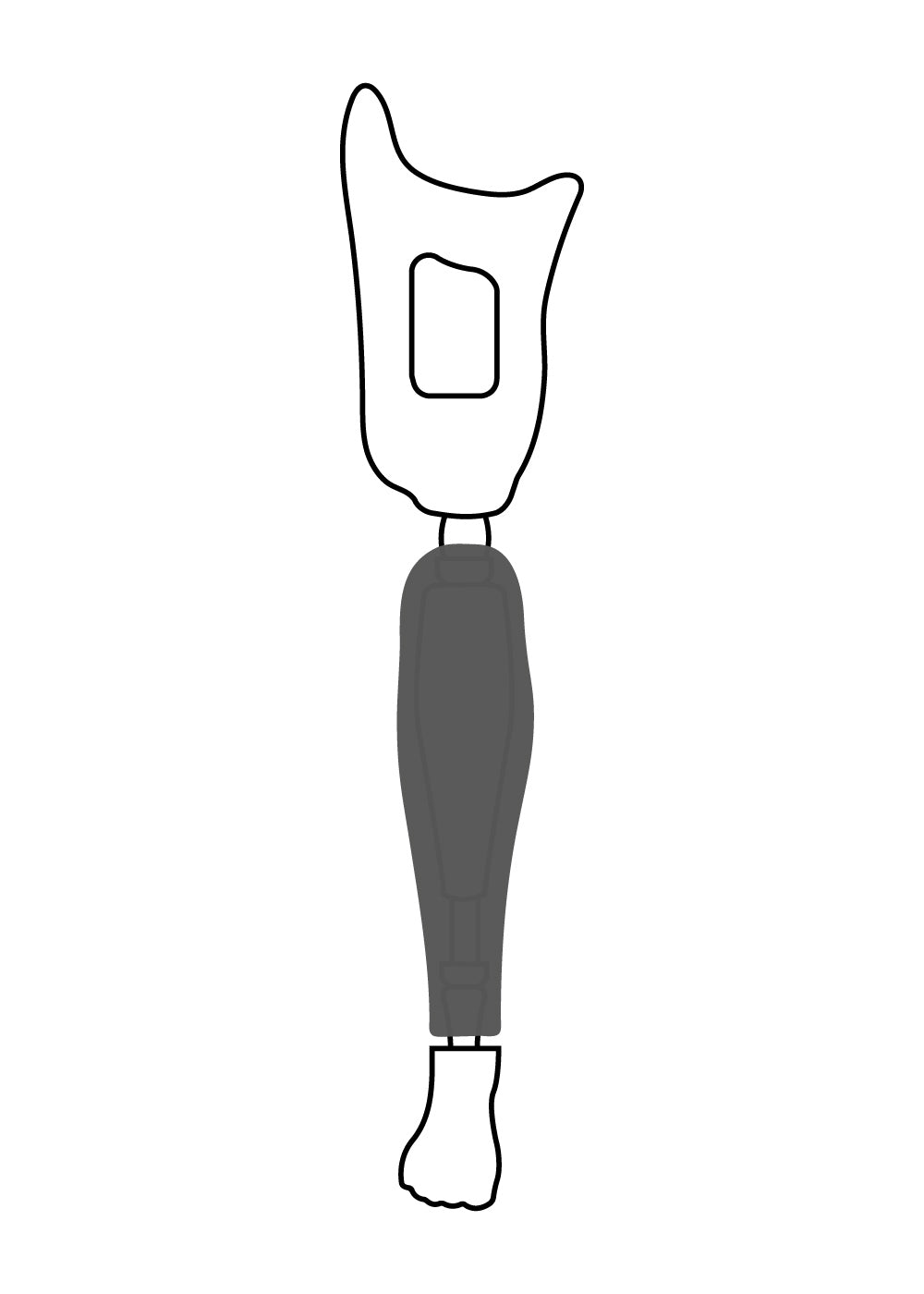
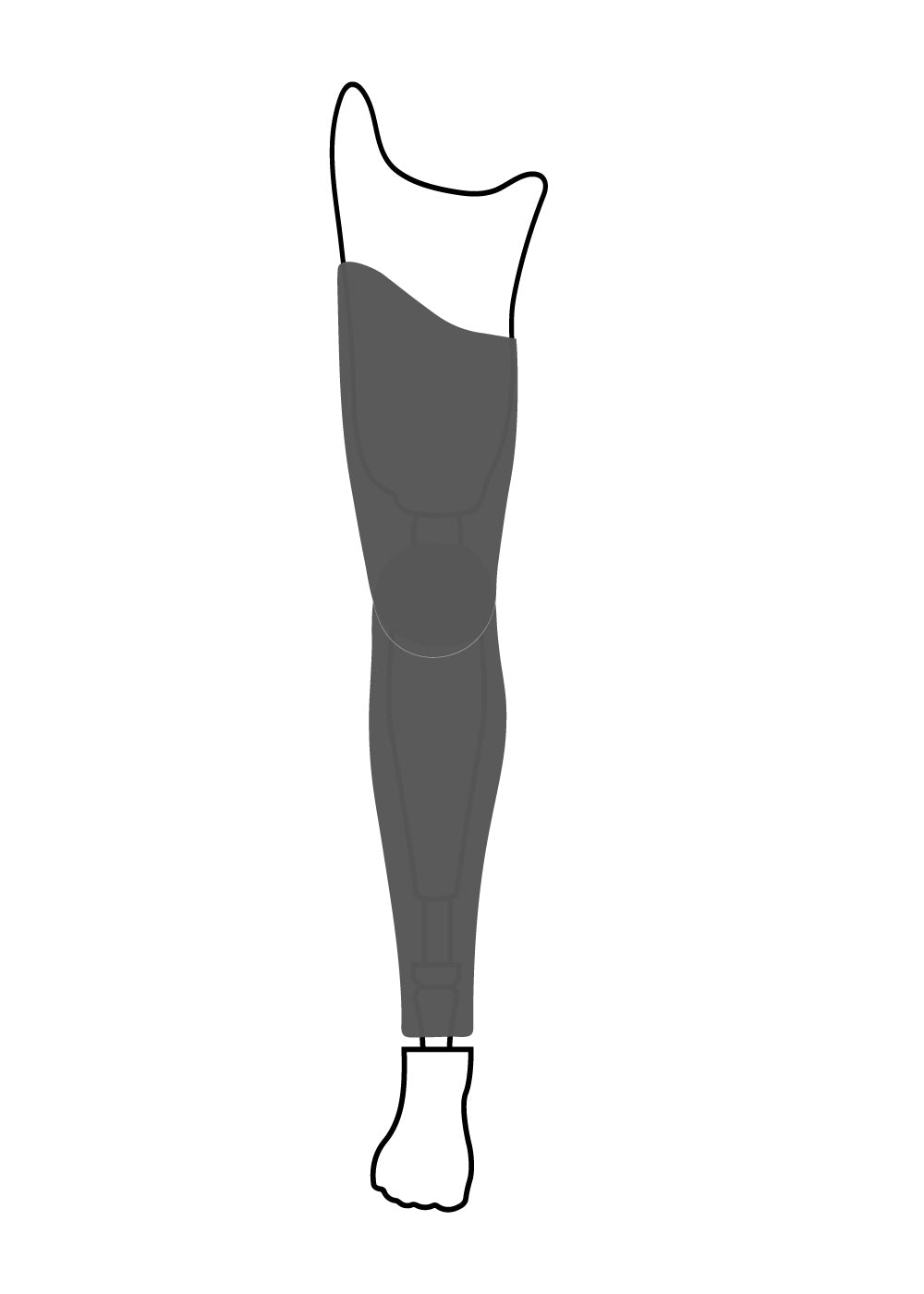
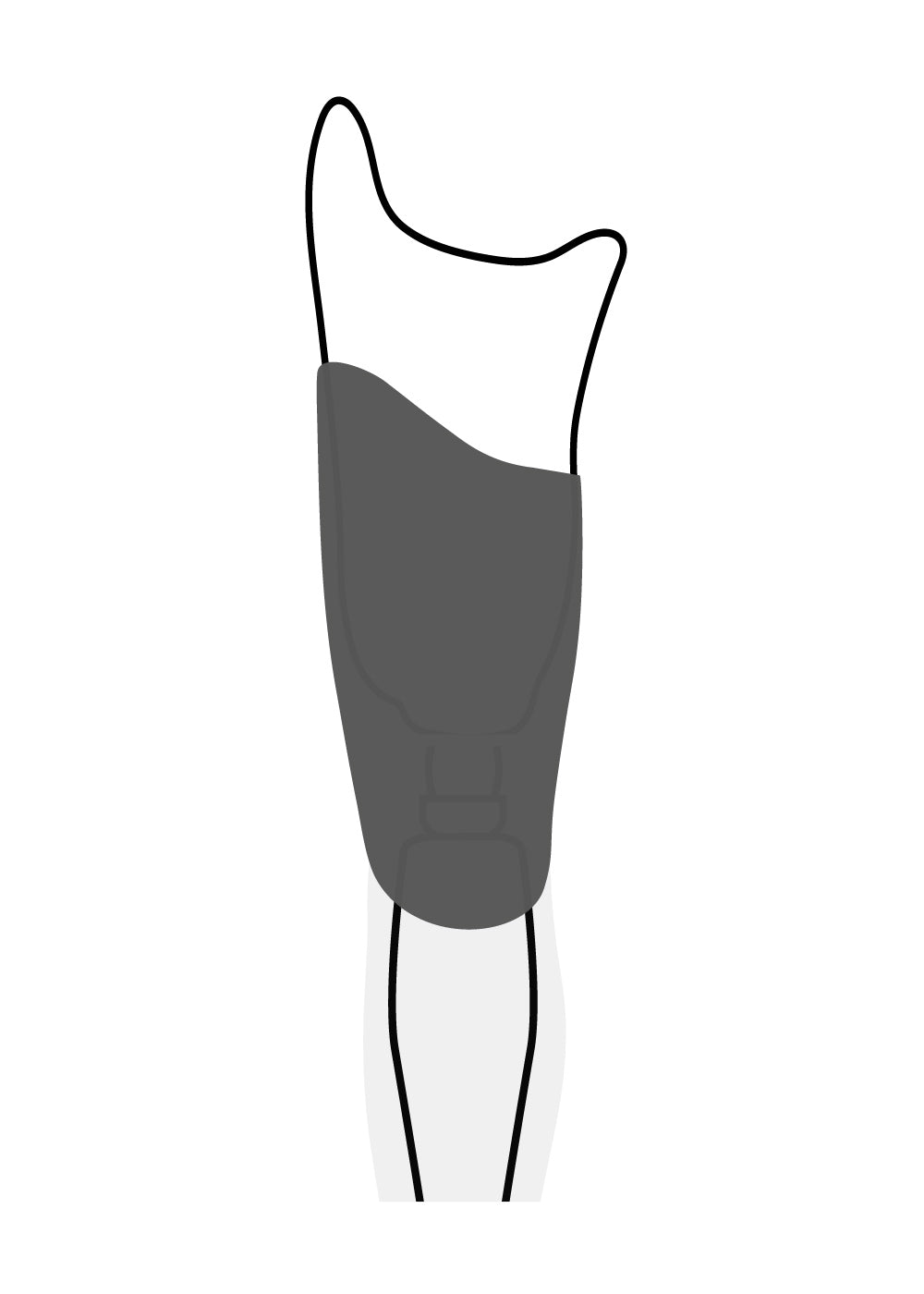
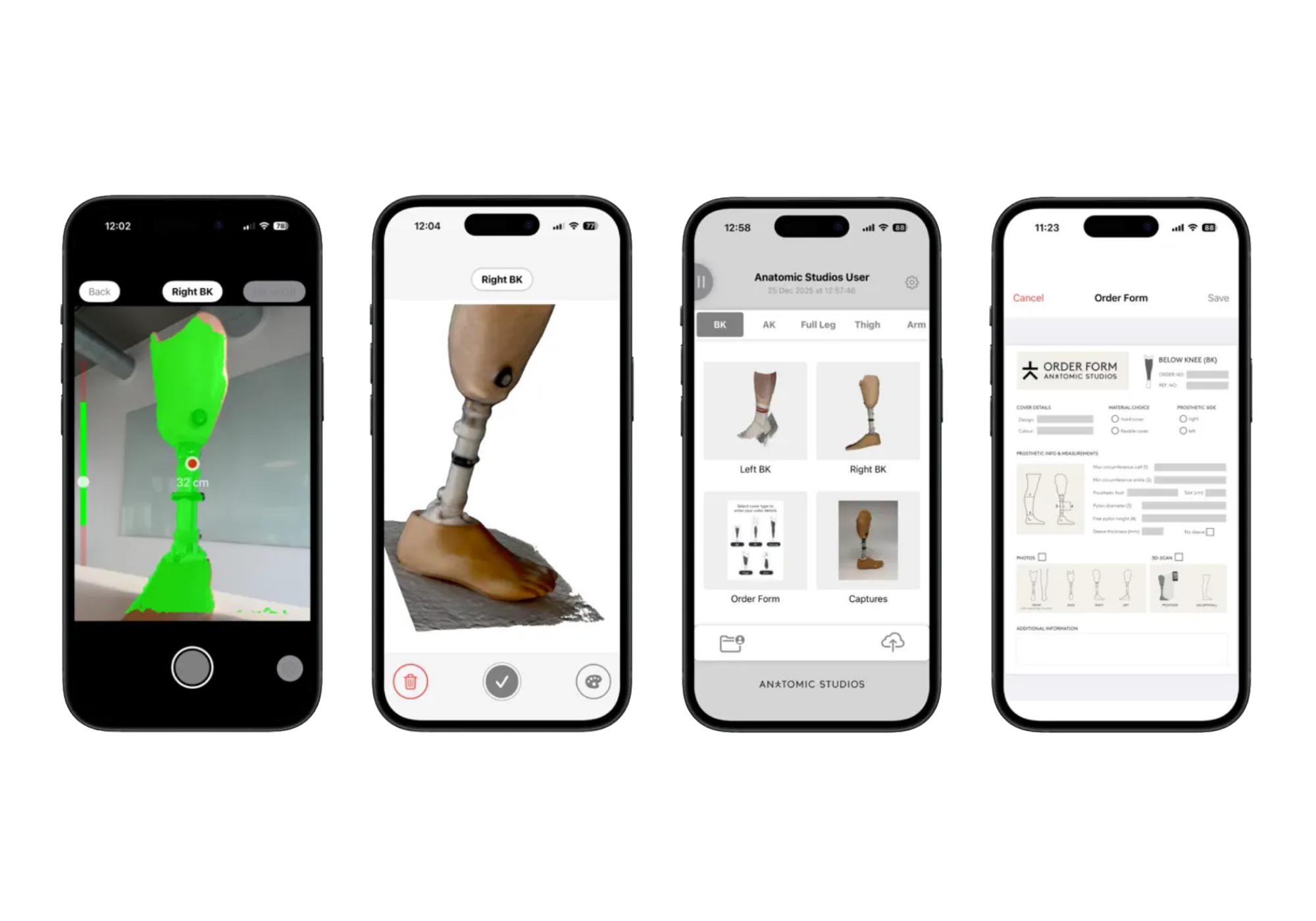
The Anatomic Studios 3D scanning app
For an optimal cover fit, we ask for a 3D-scan of the prosthesis.
If you don’t have access to scanning equipment at your clinic, you can download and use our free 3D-scanning app for iPhones and iPads.
You can use the app in two ways - whichever best suits your workflow and preference:
- Choose to only submit 3D-scans to complete an order placed through our website.
- Place the entire order through the app. Take scans, photos and fill out an order form with measurements, prosthetic info and cover details.
When using the app for the first time, you’ll be asked to create an account. As part of the setup, enter the
LabID: Anatomic3D
ASK A QUESTION OR BOOK AN INTRO SESSION
Need help getting started?
We’re happy to walk you through the ordering process, our different cover solutions, and how they can fit into your clinic’s workflow.