
How to get your own Anatomic Studios prosthetic cover
Start by speaking with your prosthetist or clinic
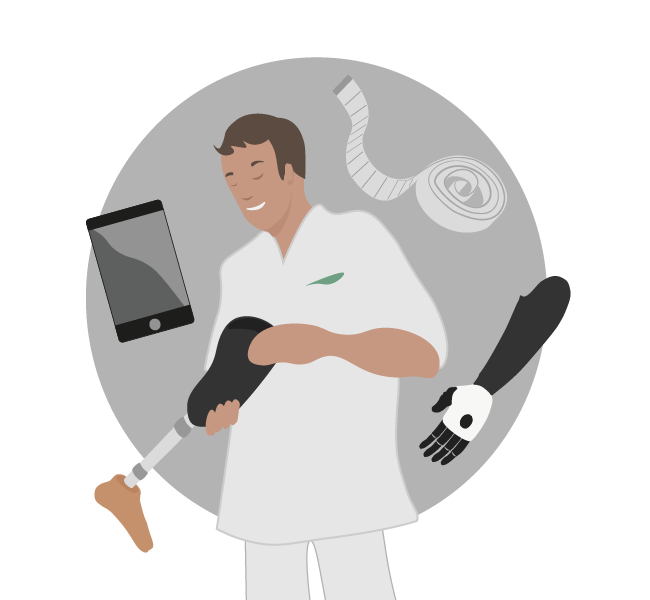
Your prosthetist or prosthetic service provider is usually the best starting point when considering a cover from us. They can help collect the necessary information, ensure proper fit, and guide you through the process.
In many cases, prosthetic covers may be fully or partly covered by insurance or reimbursement systems, and your clinic can assist with this process. They can also help with scanning and preparing the information needed for your cover.
If you’d like, we’re always happy to support the conversation or connect with your clinic directly.
Ordering process overview
After connecting with your clinic, the process usually looks like this:
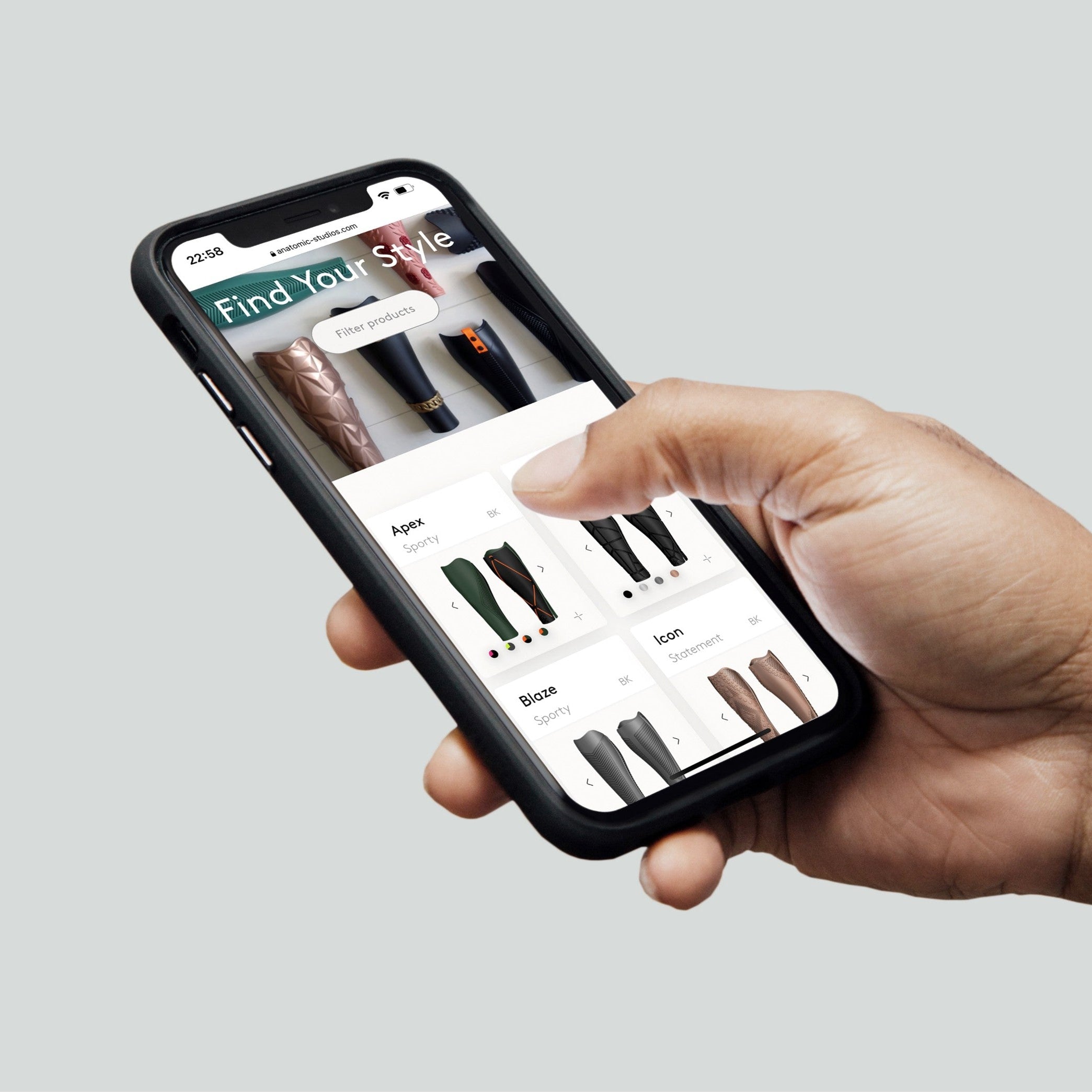
1. Find your favourite design
Browse cover types, designs and colours to find what feels right for you. Choose from our collection or explore custom design options to create something personal together with us.
Explore all designs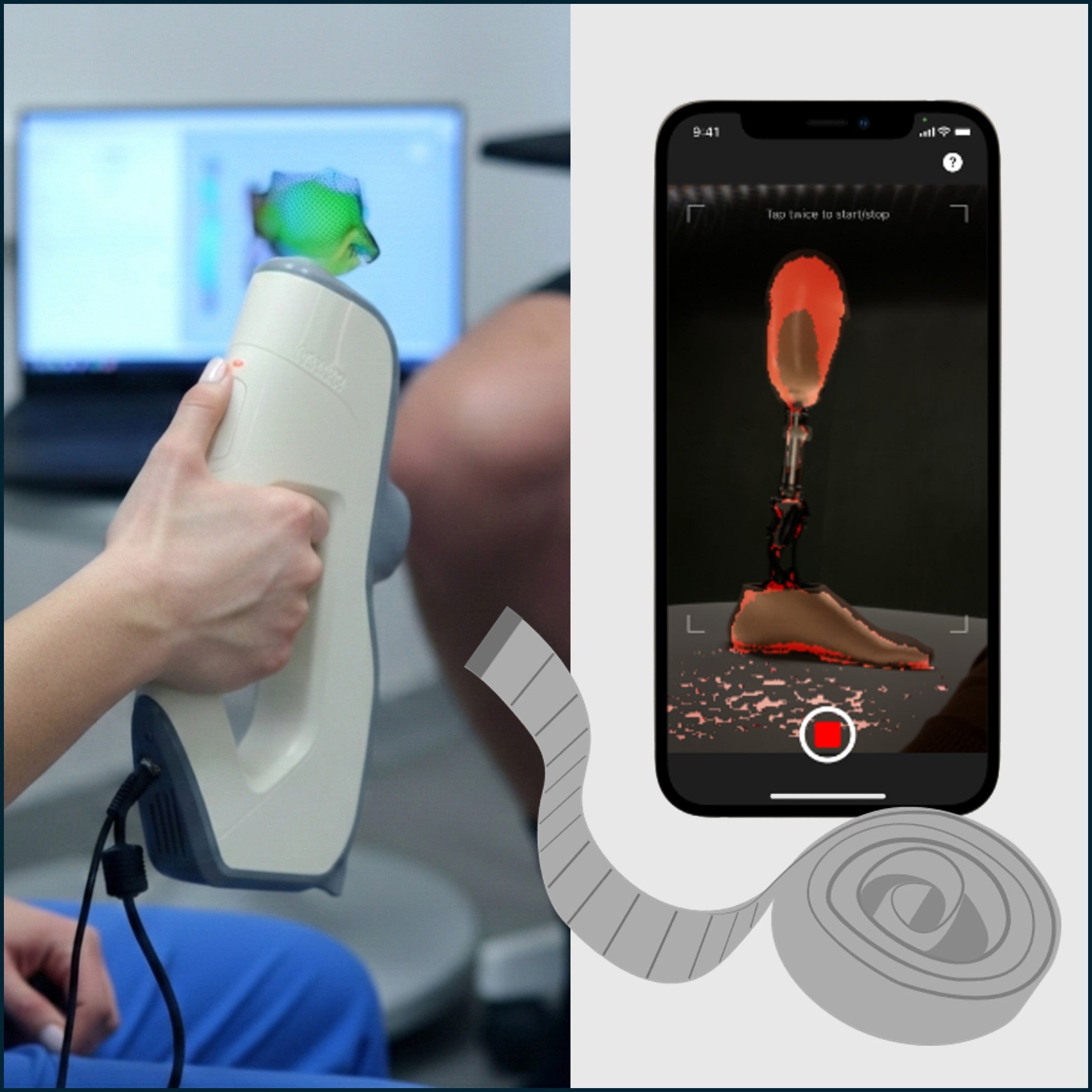
2. Add 3D-scan & prosthetic info
Your prosthetist collects and uploads 3D scans, photos and some measurements of your prosthesis directly through the website or our scanning app. This information ensures your cover can be tailored to your individual setup.
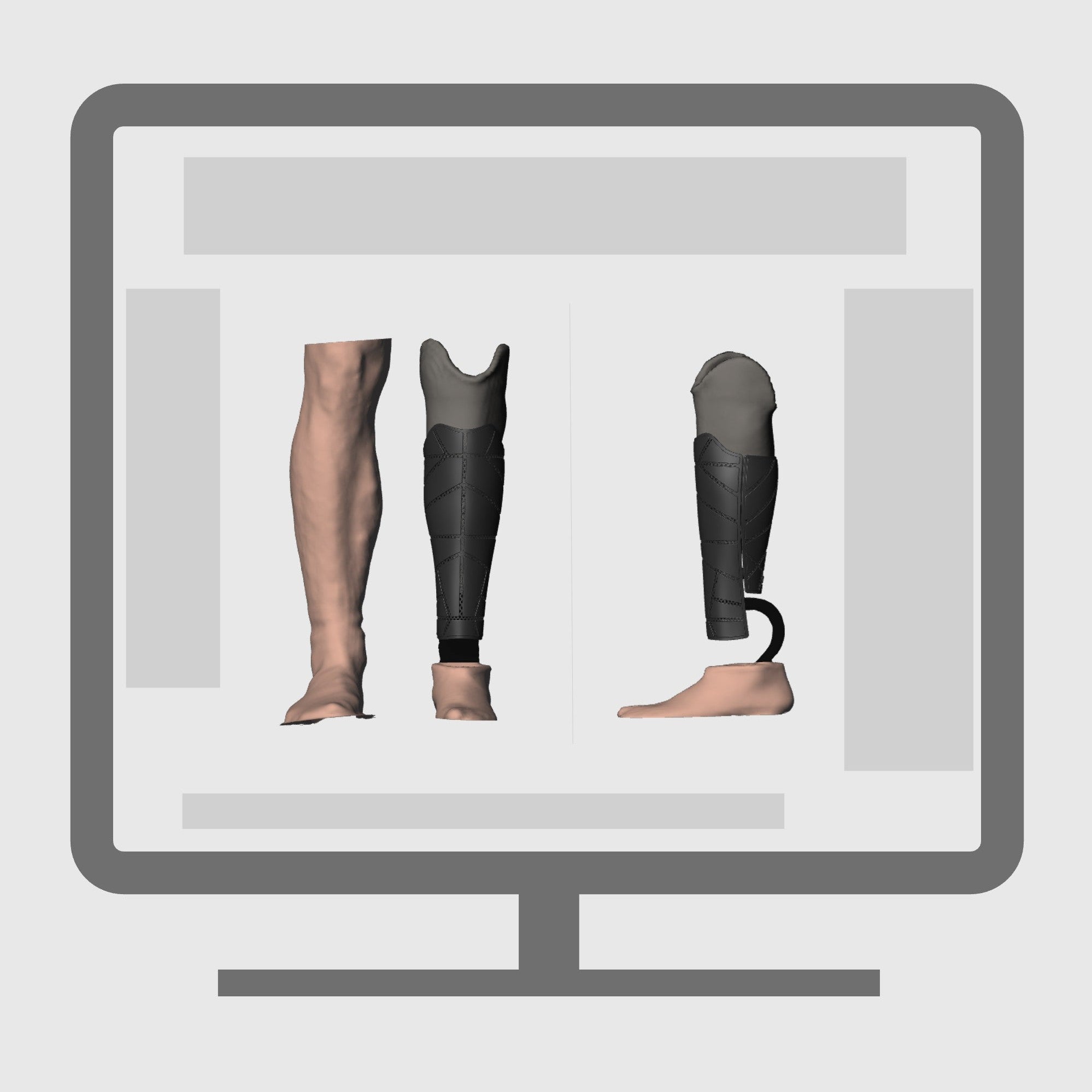
3. Digital design & preview
We adapt your cover in shape, fit and design based on your prosthesis and chosen style. We always send a digital preview of the design over email for review and approval, before moving ahead with production.
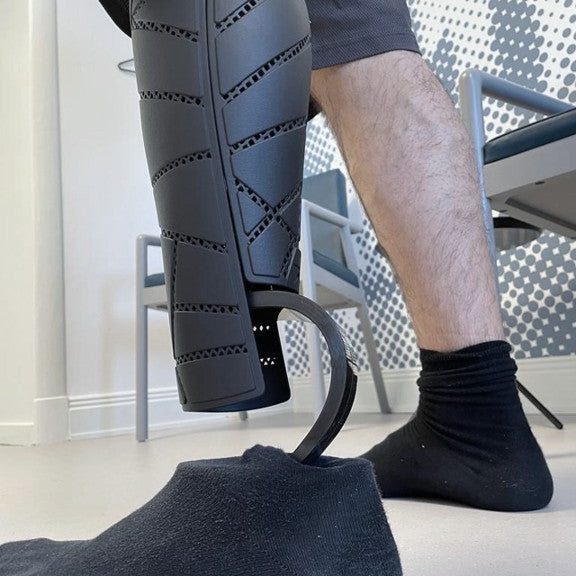
4. Delivery & fitting
After being 3D-printed, followed by several steps of careful manual post-processing, painting and finishing, your one-of-a-kind cover is delivered and ready to mount. Your clinic assists with fitting, and you’re ready to start using your new cover.

Ordering independently?
While most covers are ordered through clinics, you can also place an order independently.
This option is often chosen when reimbursement is not available, or when you prefer to handle the process directly.
Your clinic can still help you collect the necessary information and scans, but it's also possible to do this yourself using our free scanning app for iPhone.
When using the app for the first time, you’ll be asked to create an account. As part of the setup, enter the
LabID: Anatomic3D
If you have any questions along the way, we’re always here to help.
Guides to help prepare your order
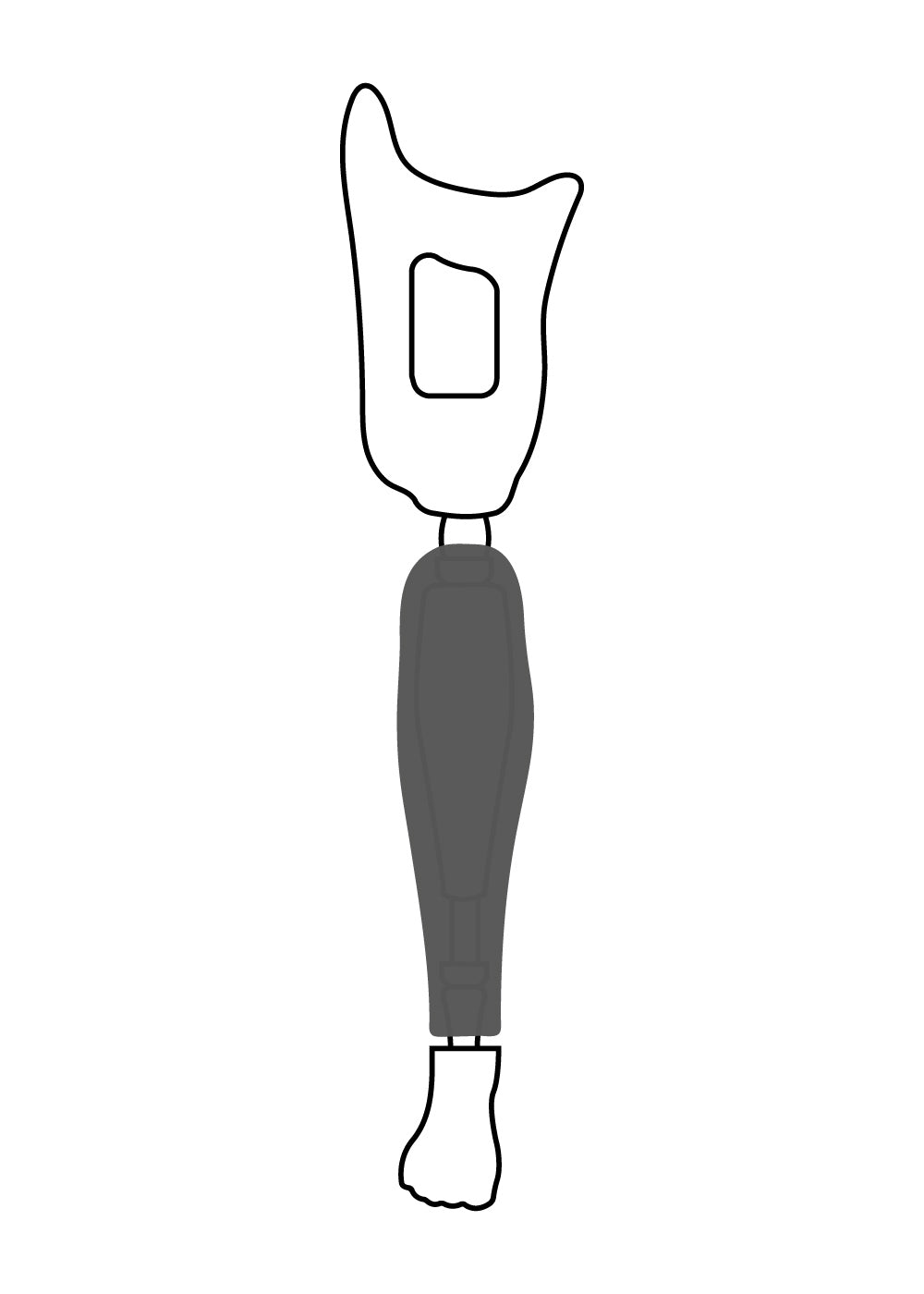
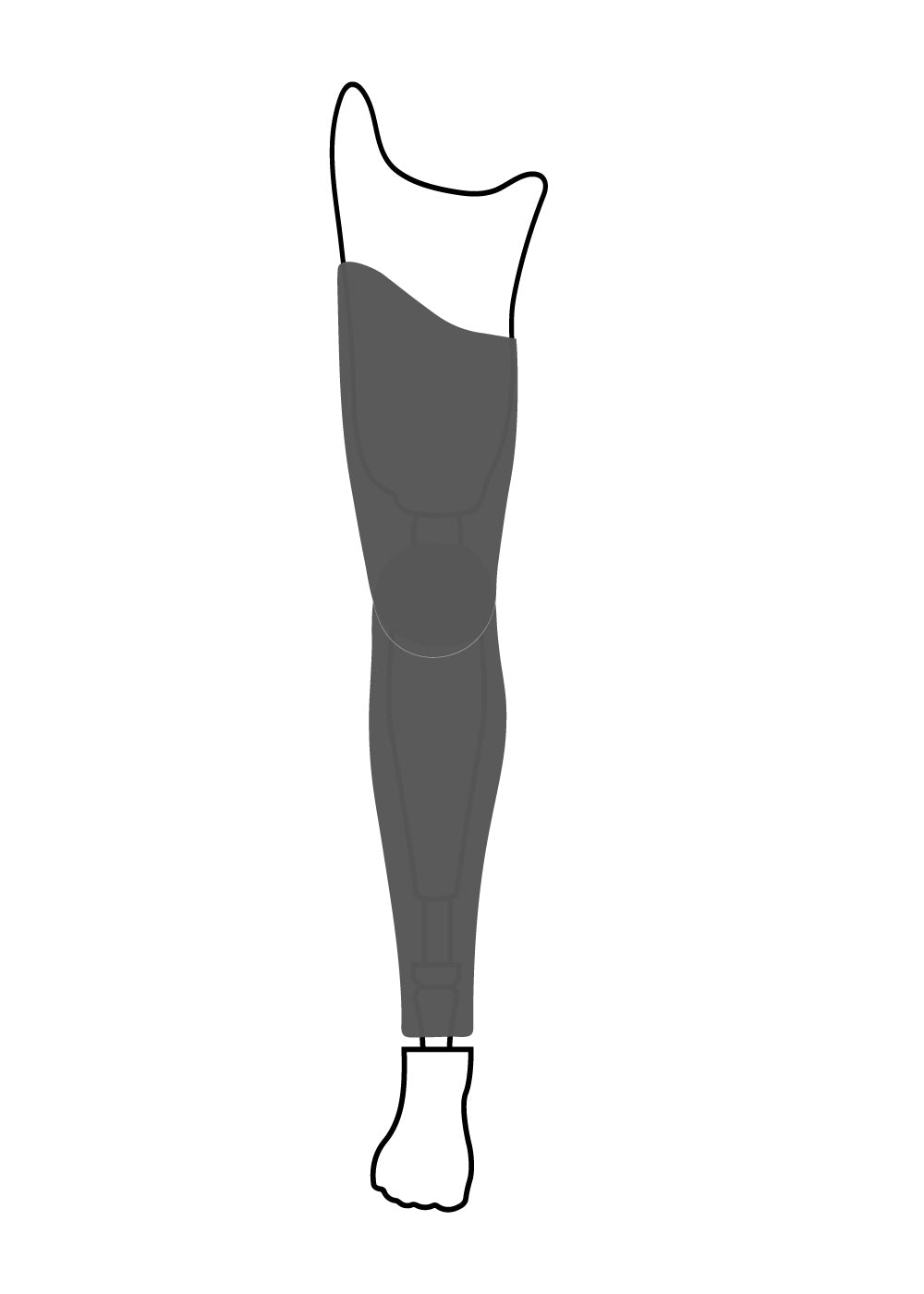
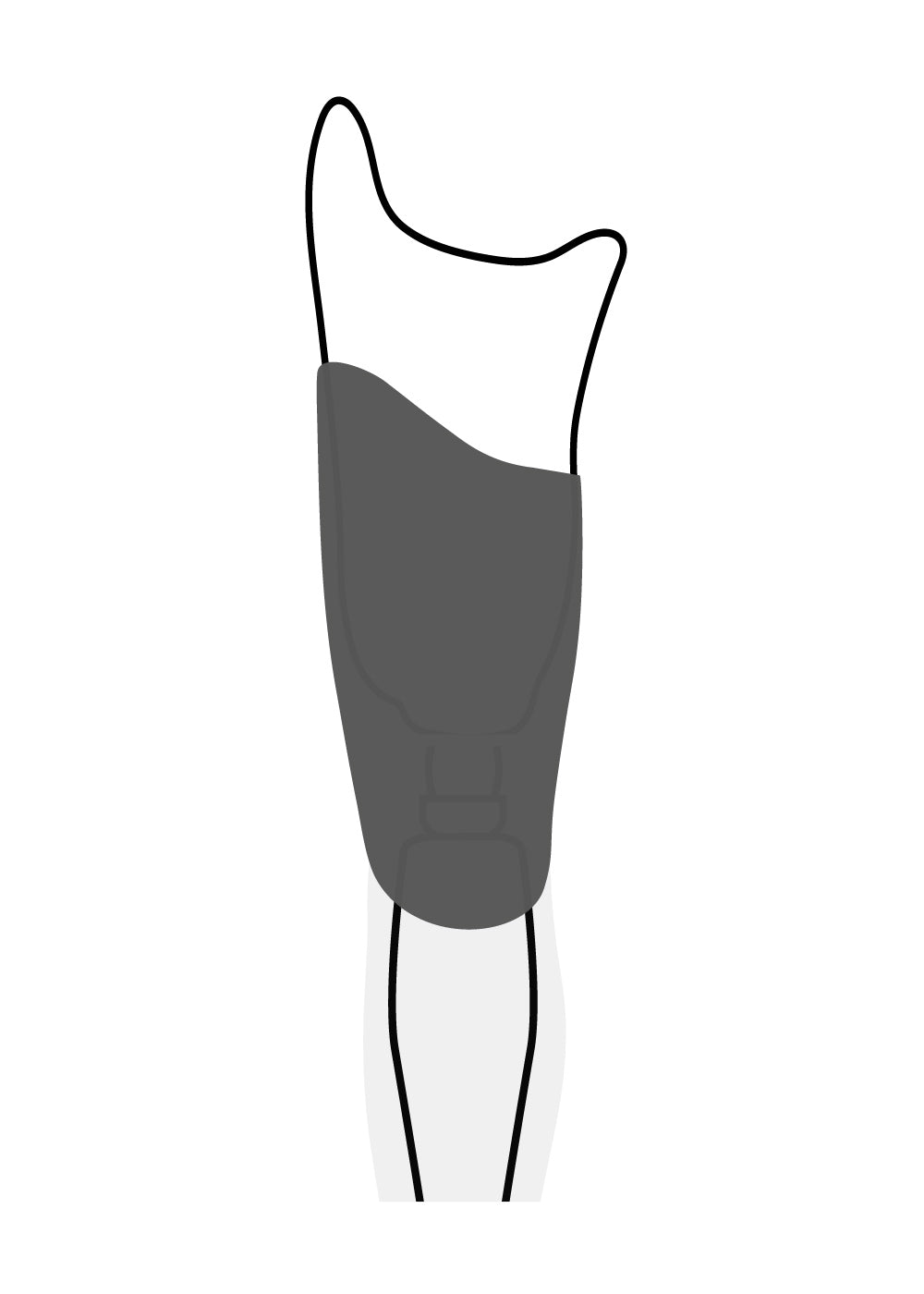
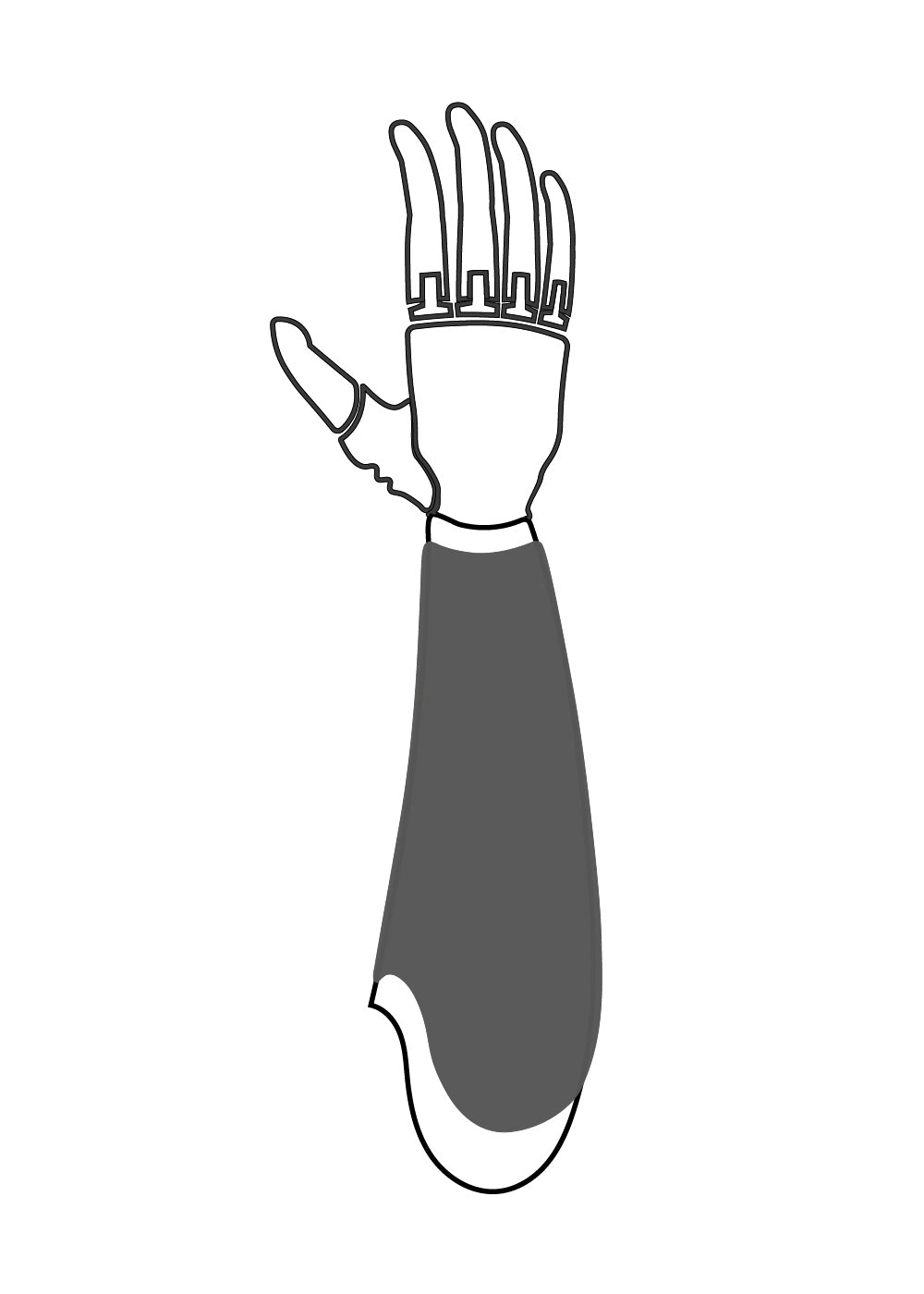
View and download our order guides showing what information is needed to create your cover.
Share them with your prosthetist, or use them yourself if you're placing an order independently.

SUPPORT